Scan
Filtr reads the Camera roll or a mounted card on this phone. Names, sizes, previews. Nothing leaves the device.
Filtr
Private storage cleanup
Filtr turns your camera roll, downloads, and SD cards into short batches you can actually clear. Preview the heavy files, keep what matters, delete the rest, and pick up where you left off. Nothing leaves your phone.






The app
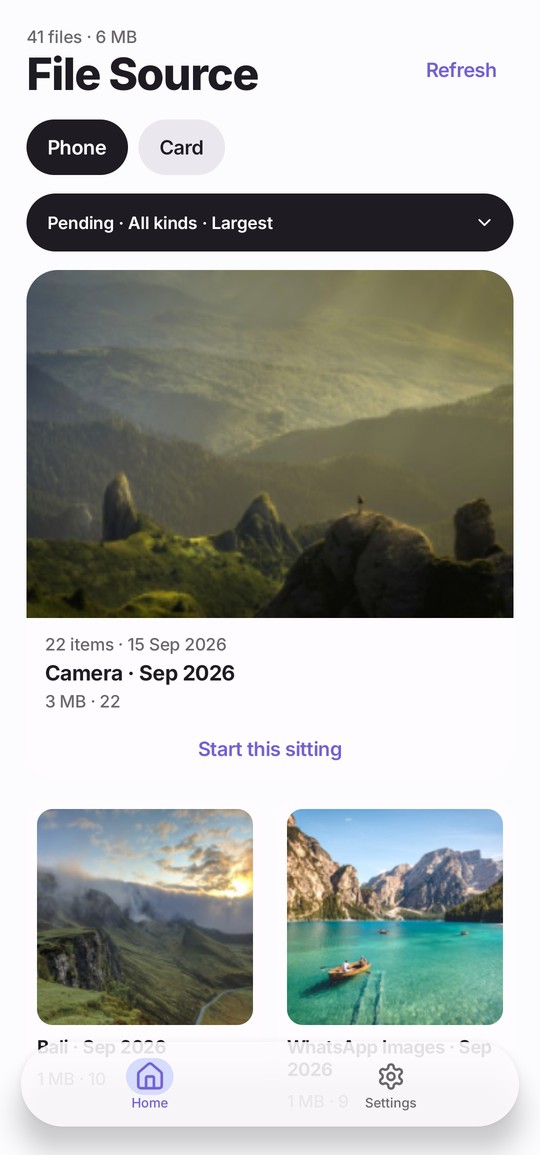
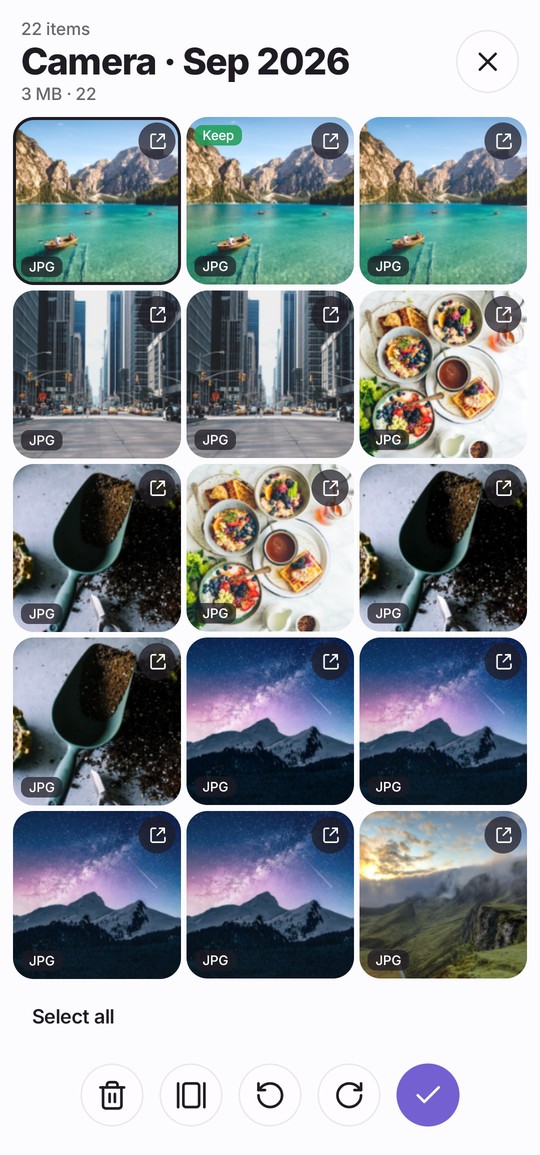
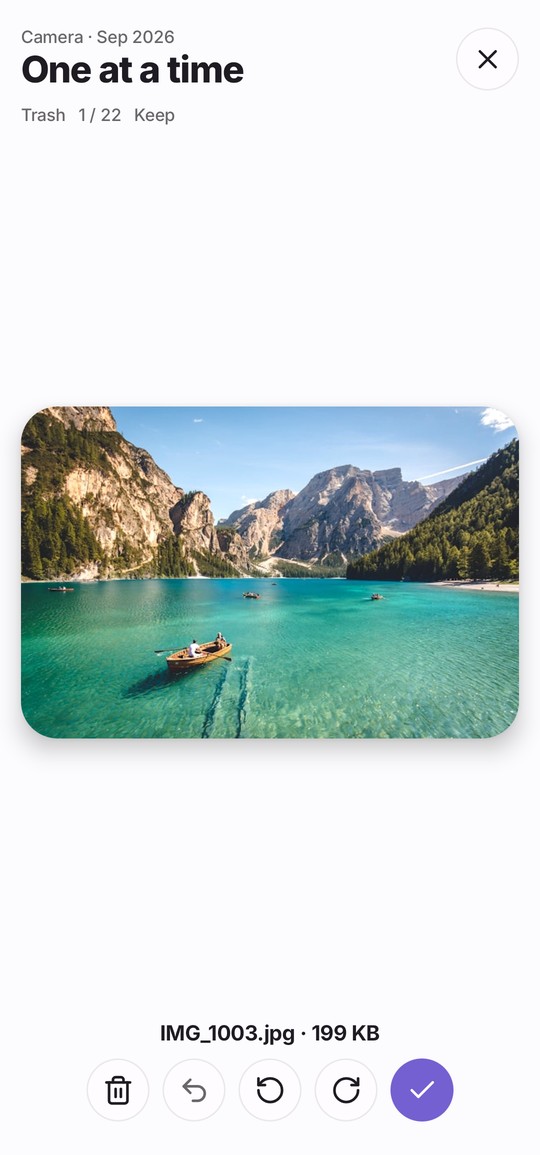
Filtr groups the Camera roll and trip folders into short batches. Open one, preview, keep what matters, delete the rest. Progress saves. Nothing is uploaded.
How it works
Filtr reads the Camera roll or a mounted card on this phone. Names, sizes, previews. Nothing leaves the device.
The mess becomes small batches you can finish in a few minutes. Not an endless grid.
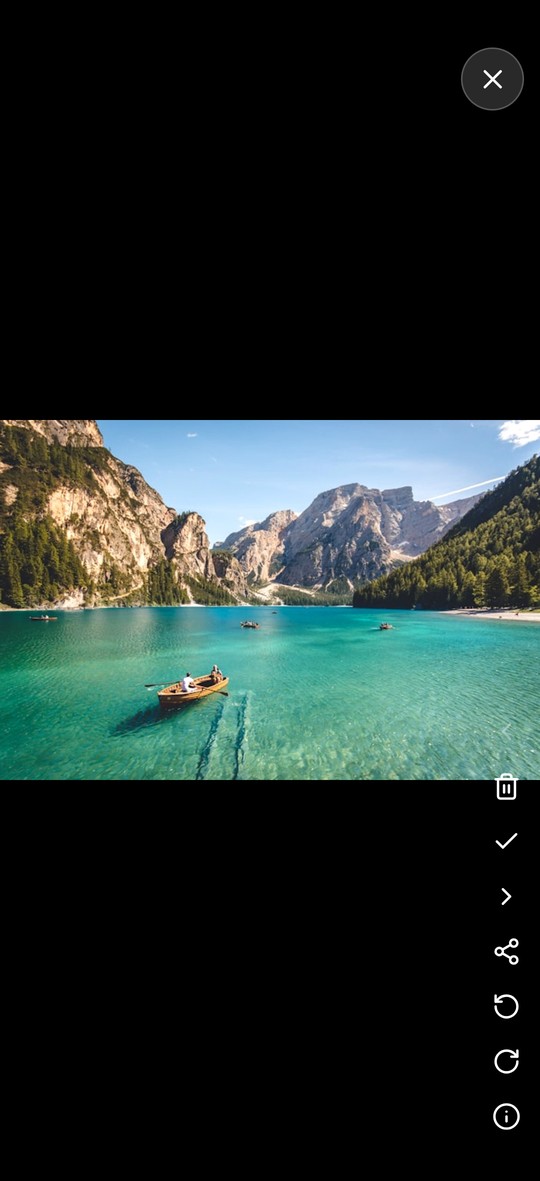
Preview, keep what matters, delete the rest. Open, New, and Done keep the work honest.
Progress saves. Reviewed files do not resurface. Deletions use the system delete flow.
Reminders
Big cleanups fail because they feel like projects. Filtr breaks yours into small batches. Filtr reminds you on a schedule: when storage is filling up, when new files have landed, or when a batch is still unfinished. Open it, clear a few files, close it. Progress saves automatically.
01
02
03
04
Storage
Filtr surfaces the clips and files that cost the most storage. Scrub, preview, bulk select, delete. No cloud stream. No waiting on your default gallery. Filtr tracks progress so you don’t see the same files again.
SD cards and drives
Plug in a card or drive and Filtr opens the files your phone normally can’t preview. Review a small batch at a time, keep what matters, and delete only what you choose. Anything copied to your phone is cleared when the session ends.
01
02
03
04
For photographers and drone pilots
Default galleries are built for selfies, not shoots. Filtr is built for card dumps from Sony, Canon, DJI, and more. It batches raw images and camera video, stages them for smooth playback, and lets you prune before you import everything. Clear a card in a few short sessions, not a full afternoon.
Privacy
Filtr doesn’t upload your files. It doesn’t need to. Previews, decisions, and deletions happen on your device. No cloud. No account required to process files. No AI training. No one else gets access to your files, ever.
Previews, decisions, and deletions happen on your device. Filtr does not need the cloud to show you a file.
No account required to process files. No AI training. No one else gets access to your files, ever.
You choose what leaves your library. Preview, bulk select, then confirm. Trash is a decision.
No. Filtr is built for local cleanup. Your files stay on your phone or card until you decide to delete them.
Yes. Filtr supports ARW, S-Log3, D-Log, Intra, and other formats that default galleries struggle with.
No. Filtr breaks storage into small batches. Finish one, come back later.
No. Filtr tracks progress across batches, so reviewed files don’t keep resurfacing.
Yes. Filtr reads cards and external drives directly, batches the contents, and lets you prune before you import.
Yes. Filtr is available on iOS and Android.
Inside your phone’s photo library, Filtr uses your system’s standard delete flow, so the usual safety nets apply. Files deleted from external storage are removed for good, which is why every deletion is confirmed.
Small batches. Progress saved. Nothing uploaded.
Install Filtr